Render Farm in India (2026): How to Build Your Own Rendering Cluster
By Rohit, Founder ·
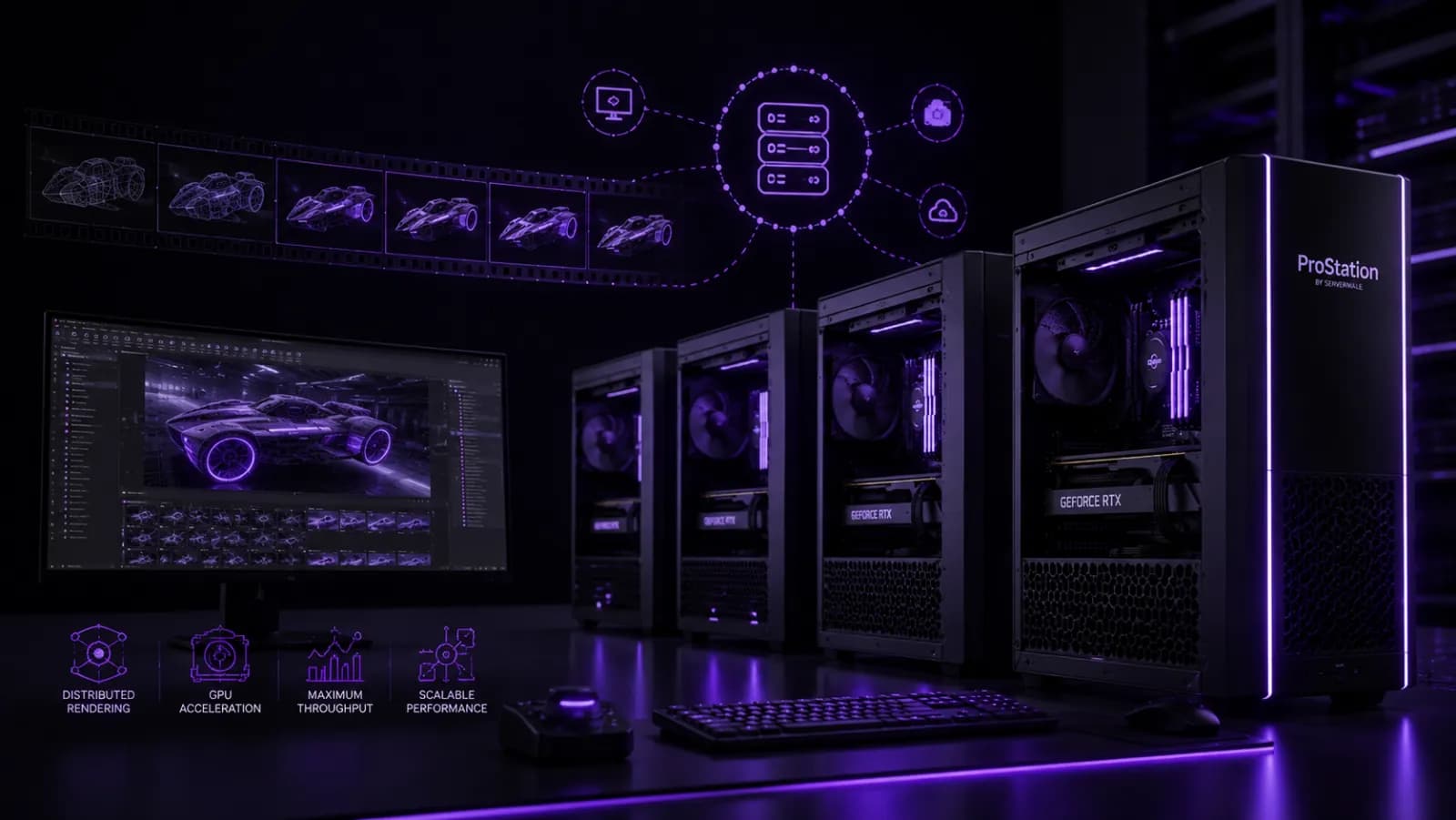
If renders are bottlenecking your studio, a render farm — several machines crunching frames together — turns overnight jobs into minutes. This 2026 guide explains how to build your own render farm in India, what hardware each node needs, and how to scale it affordably with brand-new, custom-built nodes from ProStation Systems.
What is a render farm, and do you need one?
A render farm is a group of render nodes (servers/workstations) that share a rendering job. Instead of one machine rendering 1,000 frames, ten machines render 100 each. You need one when a single rendering workstation can no longer keep up with deadlines — typical for animation, VFX, archviz and product-viz studios.
CPU vs GPU render farm
| Type | Node spec | Best for |
|---|---|---|
| GPU farm | 1–4× RTX 4090 / A6000 per node | Redshift, Octane, Blender OptiX |
| CPU farm | Dual Xeon / Threadripper, high core count | V-Ray, Corona, Arnold (CPU) |
| Hybrid | Strong CPU + GPU per node | Mixed pipelines |
Match the farm to your renderer — a GPU renderer wants many GPUs; a CPU renderer wants many cores. Getting this wrong wastes money, so it's worth checking before you buy. See our GPU build guide for choosing cards.
How to build it — step by step
- Start with 2–4 nodes and scale as deadlines demand — you don't need 20 machines on day one.
- Spec each node for your renderer (GPU count + VRAM, or CPU cores), with enough RAM and NVMe scratch.
- Add a manager — software like Deadline, Flamenco or your renderer's built-in farm manager distributes frames.
- Fast shared storage — a storage server / NAS so all nodes read assets and write frames quickly.
- Network — 2.5/10GbE keeps nodes fed; gigabit becomes a bottleneck at scale.
Tower or rack nodes?
A small farm of 2–4 quiet tower nodes fits a studio without a server room; a larger farm is cleaner as rack-mount nodes in a server room. We cover the trade-off in tower vs rack servers. ProStation builds both as custom render nodes.
Cost and scaling
Most studios start small and add nodes as work grows — far cheaper than over-buying upfront, and you avoid idle hardware. New nodes give full warranty; for non-critical extra capacity, refurbished can stretch the budget — see new vs refurbished. To spec your nodes, configure a build.
Frequently Asked Questions
How many nodes do I need to start a render farm?
Two to four nodes already cut render times dramatically and let you learn farm management. Add more as deadlines demand — scaling node-by-node avoids paying for idle hardware.
Is a GPU or CPU render farm better?
It depends on your renderer. GPU farms (Redshift, Octane) are usually faster per rupee if supported; CPU farms still win for some V-Ray/Corona pipelines and very large scenes.
Do render nodes need monitors?
No — nodes run headless and are managed over the network, which is why server-style builds with remote management work well as farm nodes.
Can ProStation build a matched set of nodes?
Yes — we build identical, tested render nodes to your renderer and budget. Get free consulting or contact us.
Build your render farm
From two nodes to a full studio farm, ProStation builds new, tested render nodes matched to your pipeline and backed by a warranty and support plan.
📞 +91-87968-22044 | Configure your build | Contact ProStation Systems